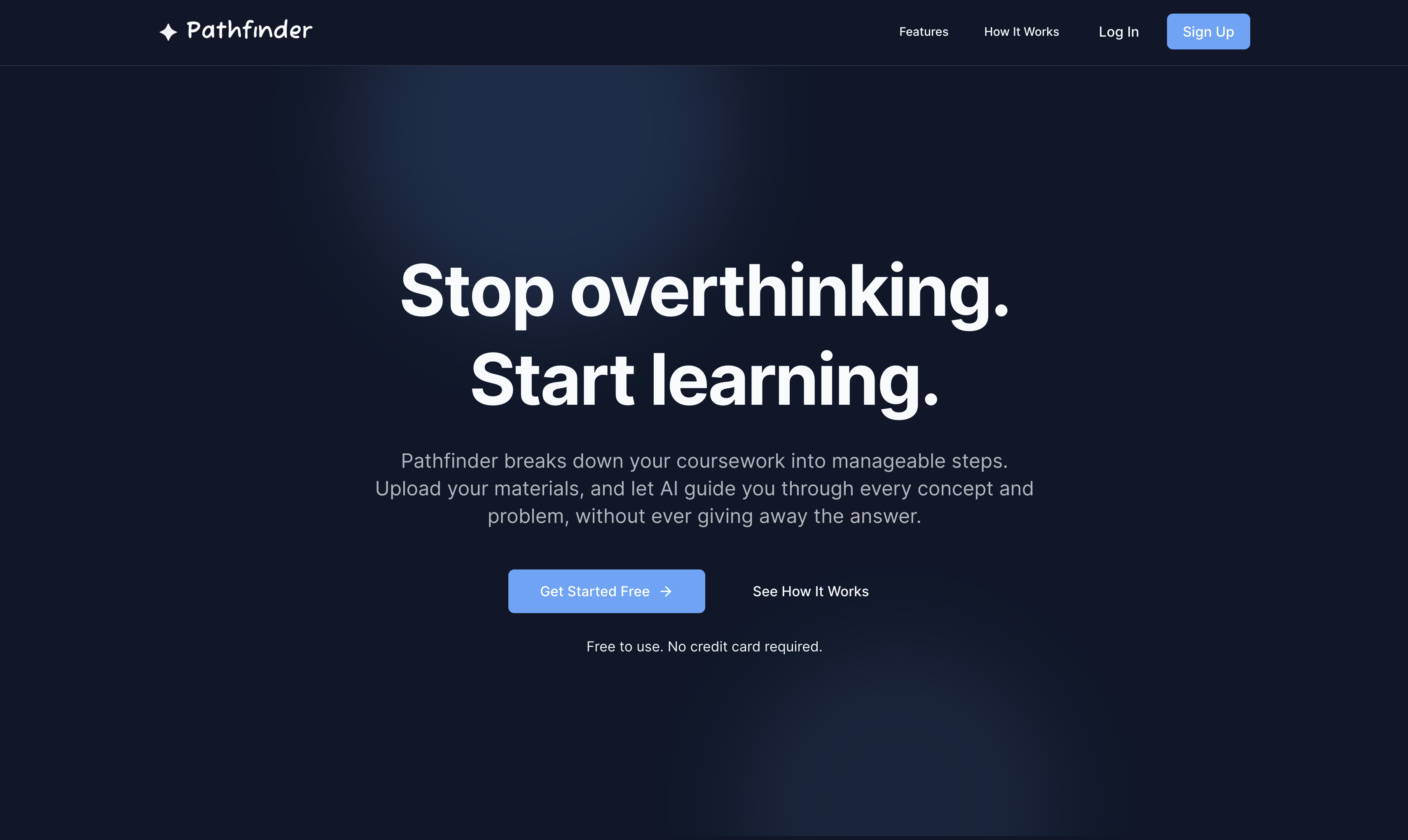



Pathfinder is an
AI-powered study platform
with two modes designed to help students truly learn, not just get
answers.
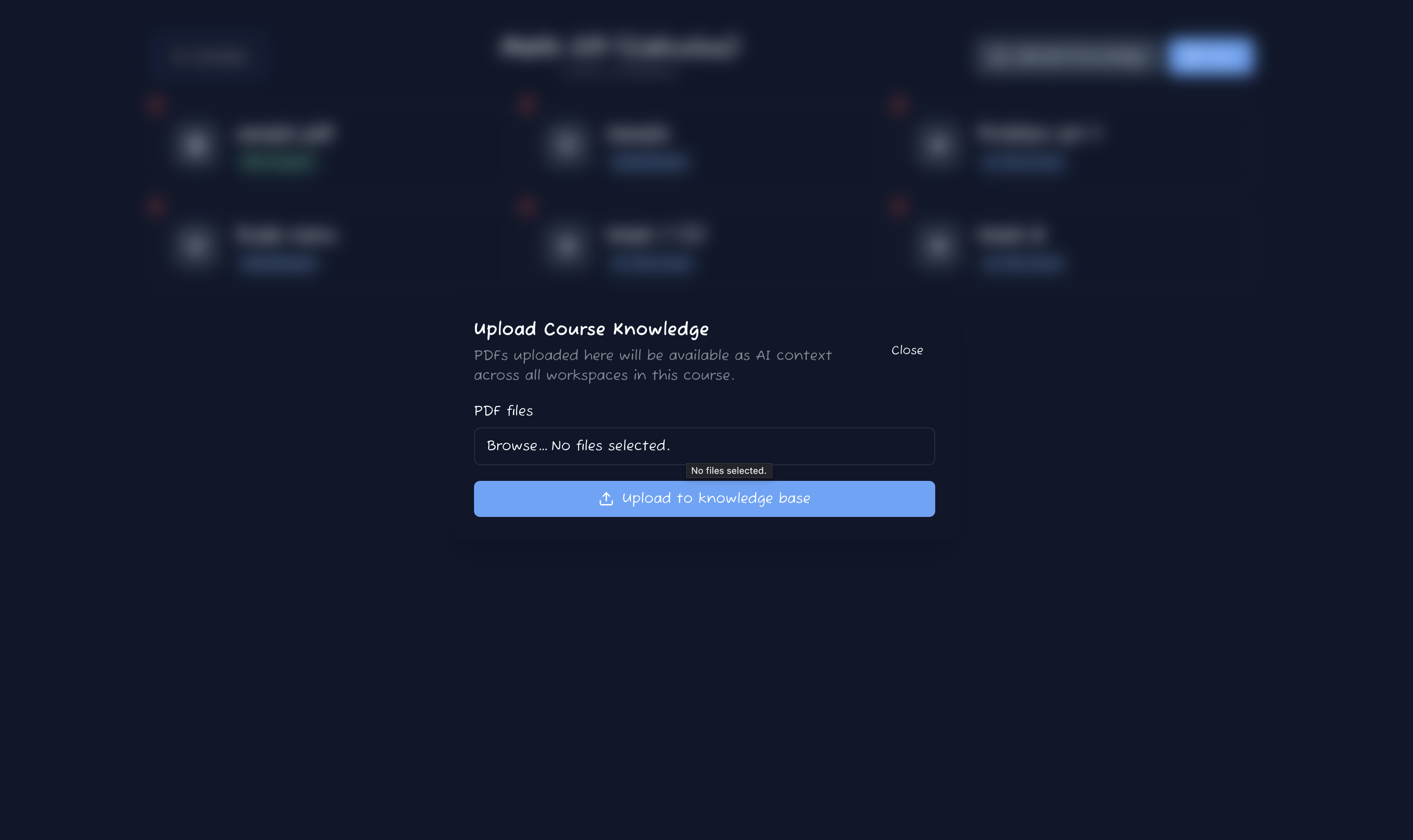
Pathfinder Workspace lets you
upload course materials (lecture slides, textbook PDFs) and creates
an interactive workspace around them. The backend chunks your PDFs,
embeds them with OpenAI, and stores vectors in Pinecone. When you
ask a question, it retrieves the most relevant sections from your
own materials and sends them to Gemini to generate a grounded
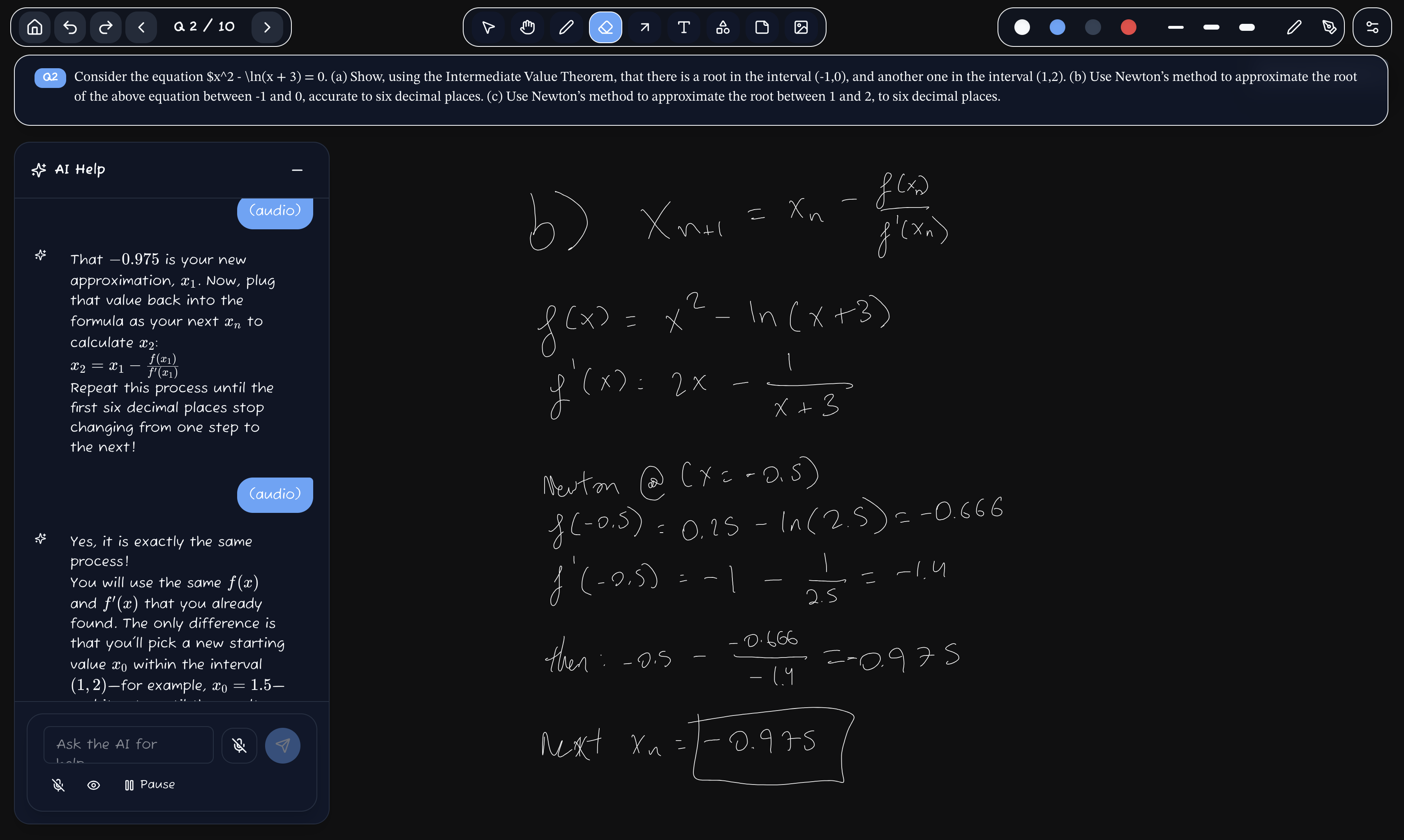
answer. You work on a
Tldraw canvas (whiteboard or
PDF annotation) with an AI chat panel that can see what you've
drawn, accept voice input, and reference your uploaded content.
In The Zone is a focused
problem-solving mode. You upload an assignment or problem set, and a
single Gemini vision call extracts every individual question. At
extraction time, each question is embedded and matched against your
course materials in Pinecone, so relevant context is
pre-fetched and cached. Each
question gets its own canvas workspace that auto-saves
independently. The AI tutor is deliberately constrained: it gives
hints and asks pointed questions but never provides
answers. It supports voice input through always-on VAD (voice activity
detection) with three mic modes (off, ready, noisy environment).
Canvas state, session progress, and conversation history all persist
to Firestore, so you can close the tab and
pick up exactly where you left off
on any device.
Most AI study tools just give you the answer. Pathfinder is built
around the idea that
understanding comes from doing the work yourself. The AI is a guide, not a shortcut.
In The Zone specifically
targets procrastination by breaking a 10-question problem set into
one question at a time, each with its own clean workspace and a
tutor that meets you where you are. The
pre-fetched RAG context means
responses are fast and grounded in your actual course material, not
generic knowledge.
The frontend is
Next.js 16 with React 19,
using Tldraw for the canvas layer. Auth is Firebase (Google OAuth +
email/password). Workspace state (drawings, session data) persists
to Firestore with
debounced dirty-checking to
minimize writes, and canvas snapshots save to R2.
The backend is an
Express 5 server with a
two-phase RAG pipeline: upload phase (PDF parse, chunk at 500 tokens
with 50 overlap, embed via OpenAI text-embedding-3-small, upsert to
Pinecone) and query phase (embed the question, Pinecone top-K
search, Gemini generates the response). Audio transcription and
image summarization run in parallel to reduce latency.
Request-level observability tracks timing per step.
Next.js
React
TypeScript
Express.js
Firebase
Cloud
Firestore
Pinecone
OpenAI
Gemini
Tldraw
Cloudflare
R2
Node.js